

Open Availability → Assignment Routing: "Choose how scheduled orders pick from the photographers assigned to the matching service area."
Visual Walkthrough
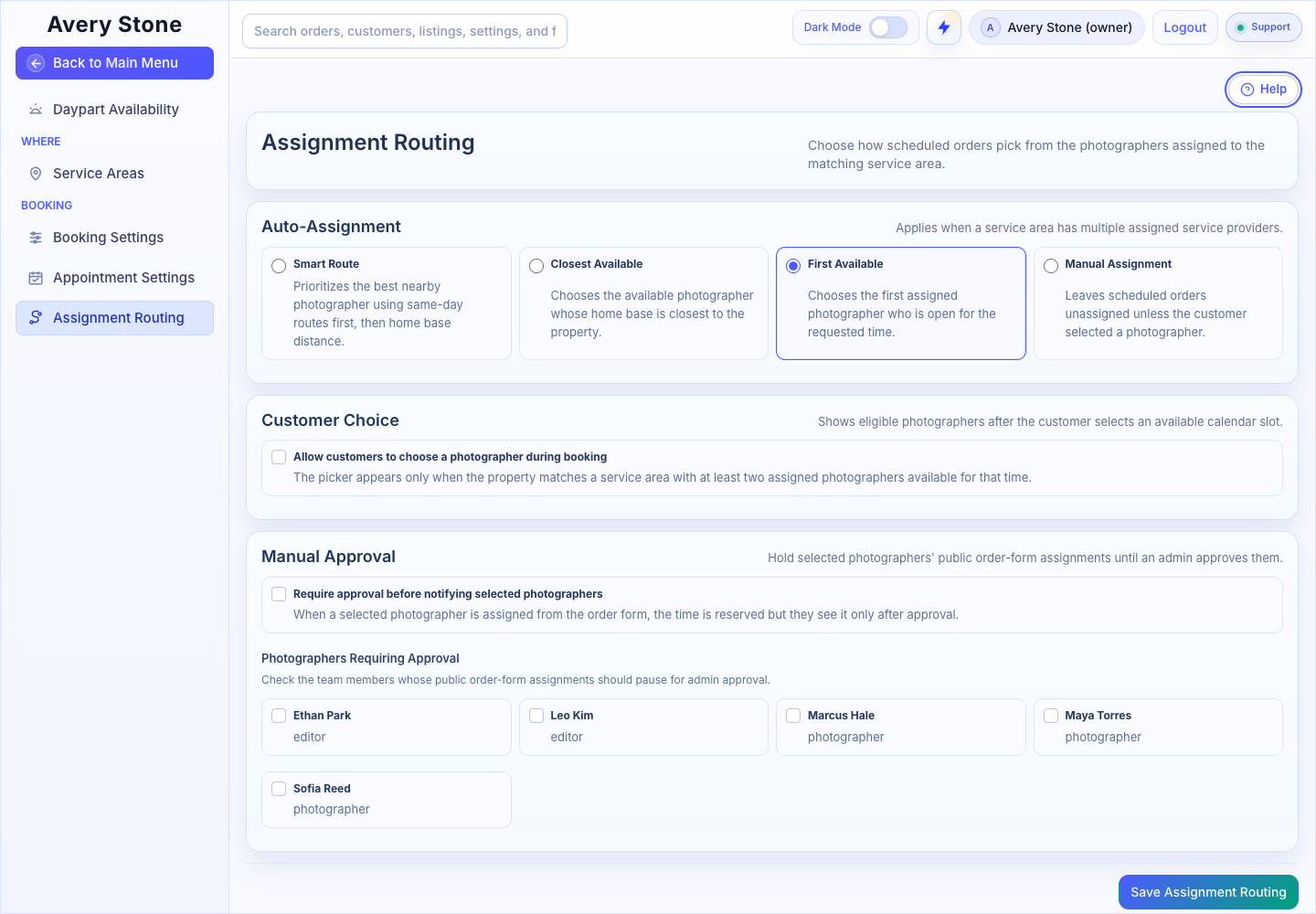
Auto-Assignment, Customer Choice, and Manual Approval. The Avery Stone Demo workspace is shown; your saved values and available controls may differ. Open the Full-Size Image.
Auto-Assignment
This applies when a service area has more than one assigned service provider.
| Mode | How It Chooses |
|---|---|
| Smart Route | Prioritizes the best nearby photographer using same-day routes first, then home base distance. |
| Closest Available | Chooses the available photographer whose home base is closest to the property. |
| First Available | Chooses the first assigned photographer who is open for the requested time. |
| Manual Assignment | Leaves scheduled orders unassigned unless the customer selected a photographer. |
Customer Choice
Allow customers to choose a photographer during booking shows eligible photographers after the customer selects a time. The picker appears only when the property matches a service area with at least two assigned photographers available at that time.
Manual Approval
Require approval before notifying selected photographers holds public order-form assignments until an admin approves them. The time is reserved, but the photographer sees it only after approval. Check the team members under Photographers Requiring Approval.
Select Save Assignment Routing.
Requirements
- Providers must be marked Is Service Provider and assigned to service areas.
- Smart Route and Closest Available rely on each provider's home base address.